- Create a time line about Windows operating system
- Begin in Windows 1.0 up to Windows 10
- Mention the dates for each operating system version and write a brief description.
- Create the time line using Word and the shapes.
- You may use images.
- Send the final time line to my email mherrera@agustiniano.edu.gt
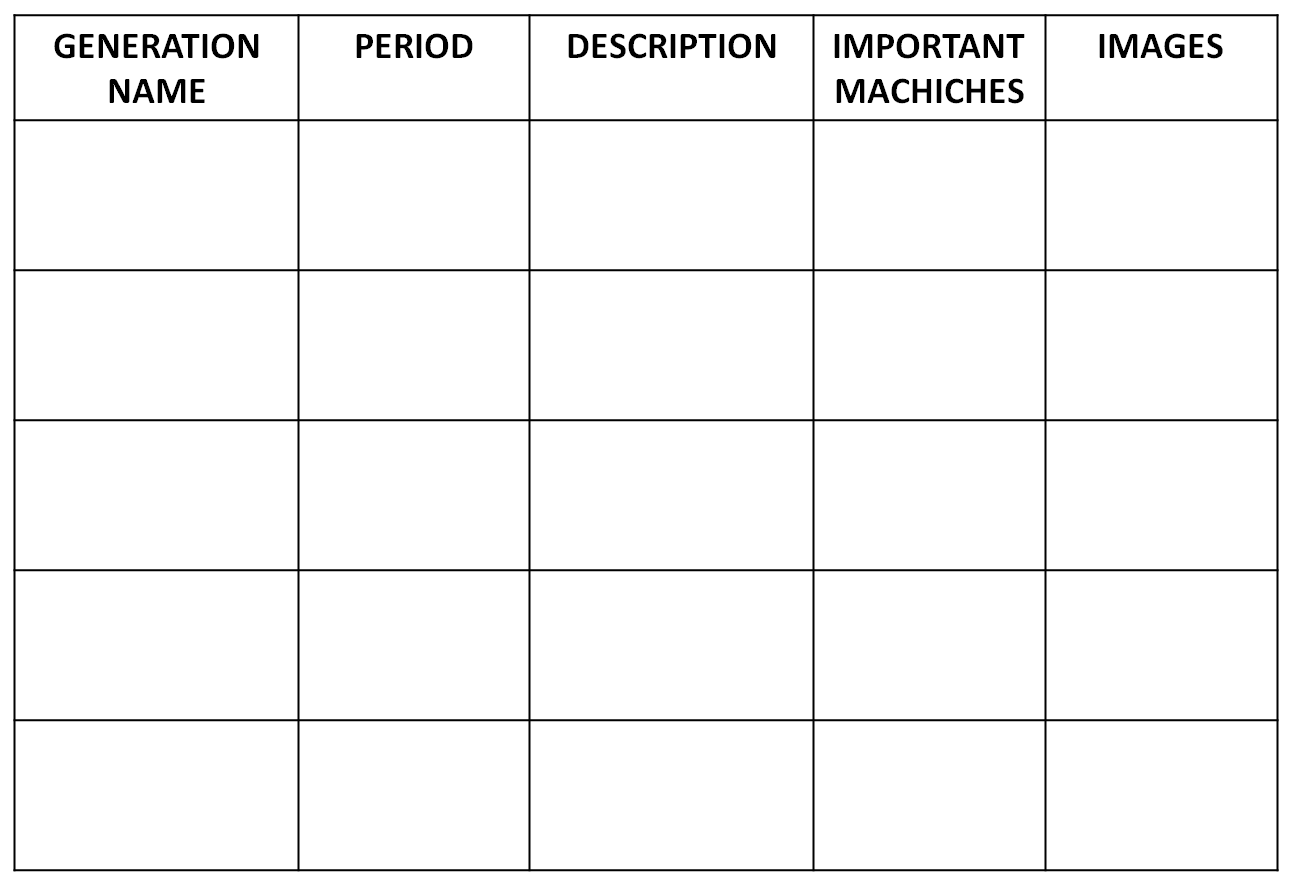
- Create a chronological table about the generations of computer.
- Use your creativity
- Do your chronological table using (Word, Excel or Power point) Look at the format
- Send the final table to my email mherrera@agustiniano.edu.gt
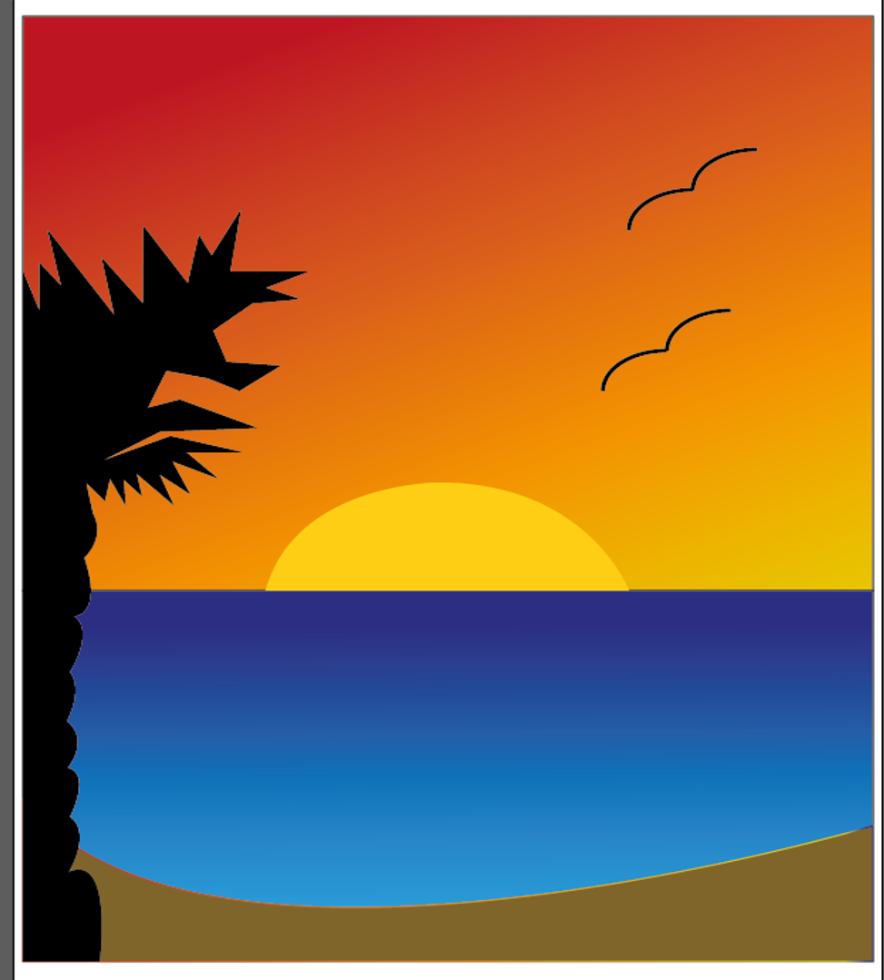
1. Find a simple image in google and save it on the computer
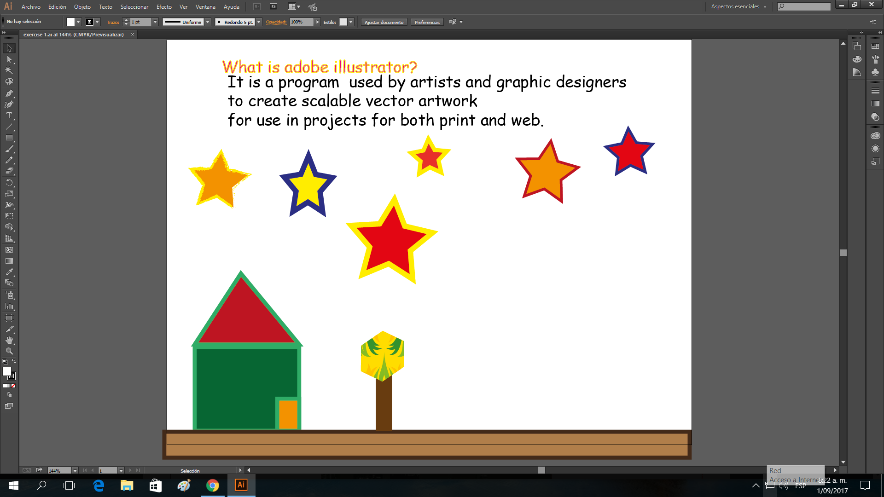
2. Open adobe illustrator
3. Go to archivo Name it exercise 2
4. Layout of the page horizontal
5. Go to archive colocar and find your saved image
6. You can make it big almost the size of the paper
7. Where it says capas lock the capa of the original drawing
8. Open a new layer (capa)
9. Using the pluma tool you are going to draw the same picture
10. Click and hold and you can do the angles
11. If you don´t like something ctrl z will undo it
12. When you finish drawing you need to color it
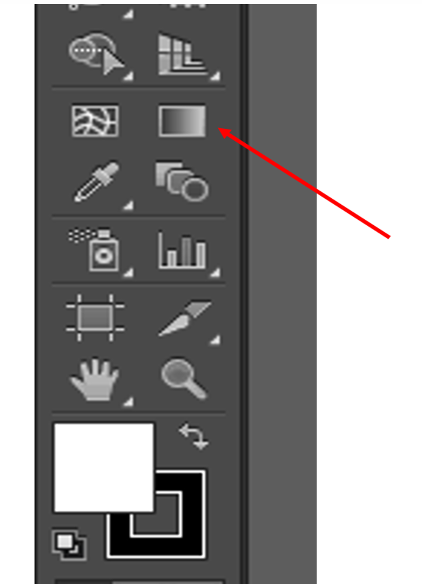
13. With the dropper tool o herramienta cuentagotas se puede colorear del mismo color que el original
14. When you finish send me the original image and your drawing to my email.