Class 1
Create a folder in documents
Name it period I
Open a word document
Answer the following
1. What´s netiquette?
2. What are some netiquette rules? At least mention six of them
3. Include definition of the rule in your own words.
4. Add an image for each rule.
5. Save it as: netiquette your name and grade
CLASS 2 and 3
Google docs review
1. Open your gmail account
2. Go to your drive and create a folder 1st period 2018 (Add color to the folder) any color you want
3. Open a new google document Write a paragraph (minimum 15 lines) about your vacation, include images
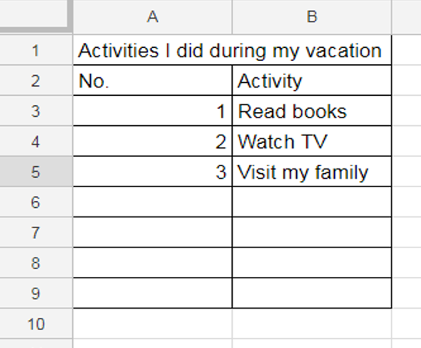
4. Open a Google spreadsheet and create a list of all the activities you did during your vacation (minimum 10 activities) Add title and borders to your table. Look at the example.
5. Open a Google presentation and create a presentation of six slides about your vacation.
Title My vacation 2017
Include places you went or things you did
Add a title and an image to each slide.
6. Save the three documents you created in your folder 2018
7. Share the folder with me: mherrera@agustiniano.edu.gt
Spreadsheet example
Class 4
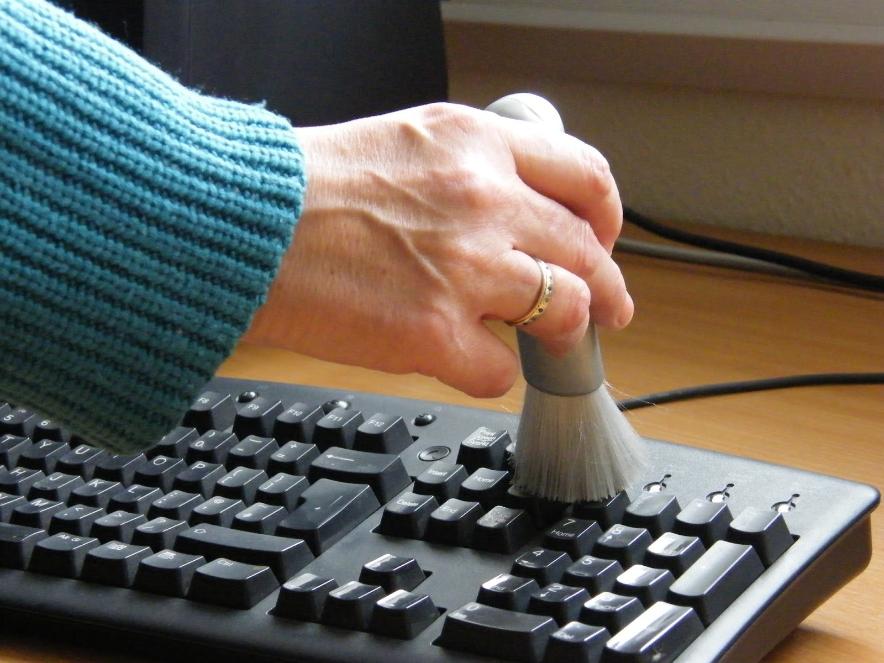
How to take good care of the computer
How to take good care of the computer
1. Please go to the following link and read Computer Care tips
2. With the information that you read, please make a presentation in Google docs.
3. Make sure to use shapes, images, Different style, size and color of fonts.
4. Include eight tips in your presentation.
5.One slide for each tip. Explain them and add an image to each one. Try to avoid copy paste.
5. Share your presentation with me.
Class 5 and 6
Activity 1:
MENTAL MAP "THE COMPUTER"
- Create a mental map about the computers.
- Use your creativity
- Create the mental map using word (insert, shape, canvas)
- send the final work to my email mherrera@agustiniano.edu.gt
CONTENIDOS DEL MAPA
Hardware
- Input devices (add examples)
- Output devices (add examples)
- Storage devices (add examples)
- Processing devices (add examples)
- Communication devices (add examples)
Minimum 4 examples for each one.
Activity 2
Windows time line
Instructions:
- Create a time line about Windows operating system
- Begin in Windows 1.0 up to Windows 10
- Mention the dates for each operating system version and write a brief description.
- Create the time line using Word and the shapes.
- You may use images.
- Send the final time line to my email mherrera@agustiniano.edu.gt
Activity 3
Chronological table
Instructions:
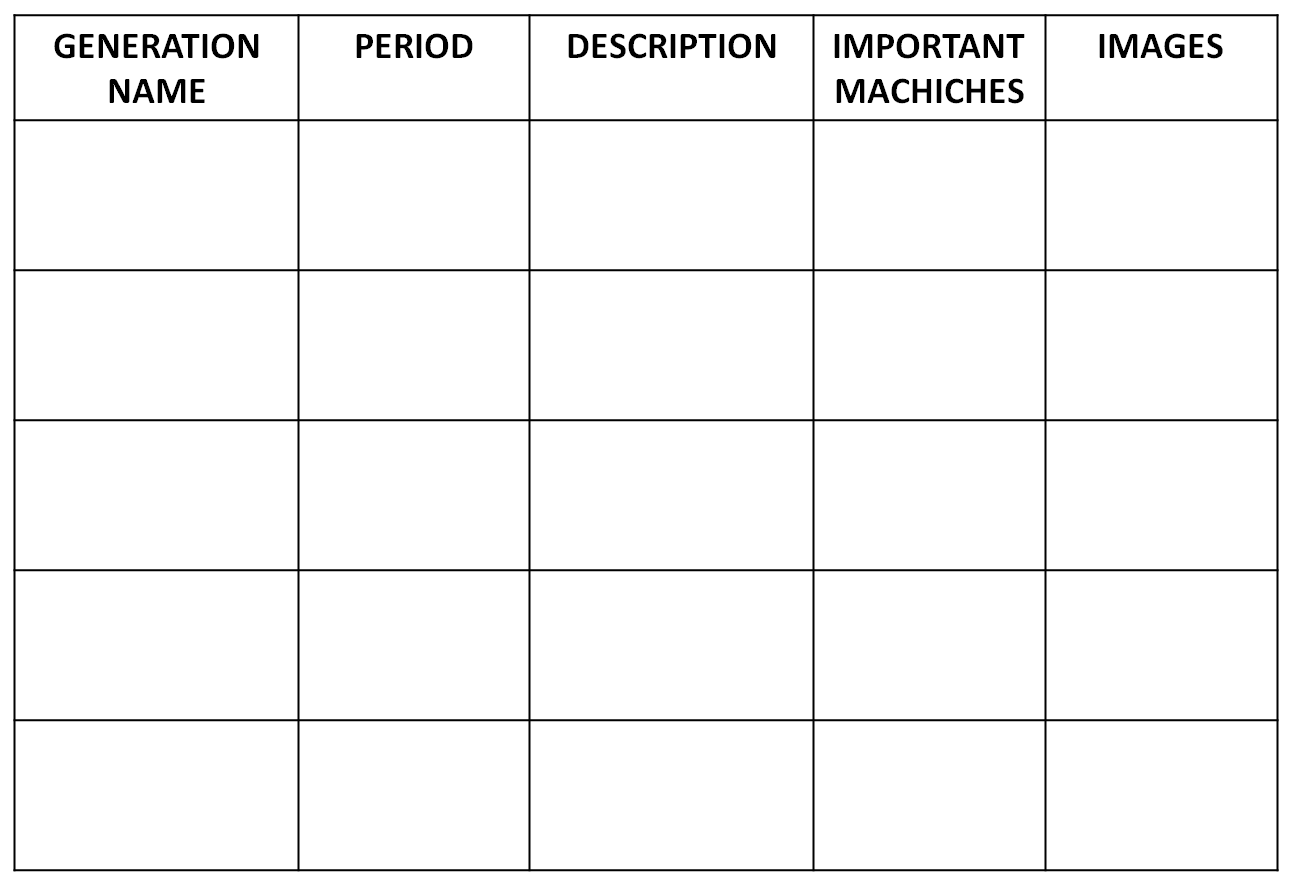
- Create a chronological table about the generations of computer.
- Use your creativity
- Do your chronological table using (Word, Excel or Power point) Look at the format
- Send the final table to my email mherrera@agustiniano.edu.gt